TECHNE
HUB
Desktop app · Free
Everything you own, installed and up to date.
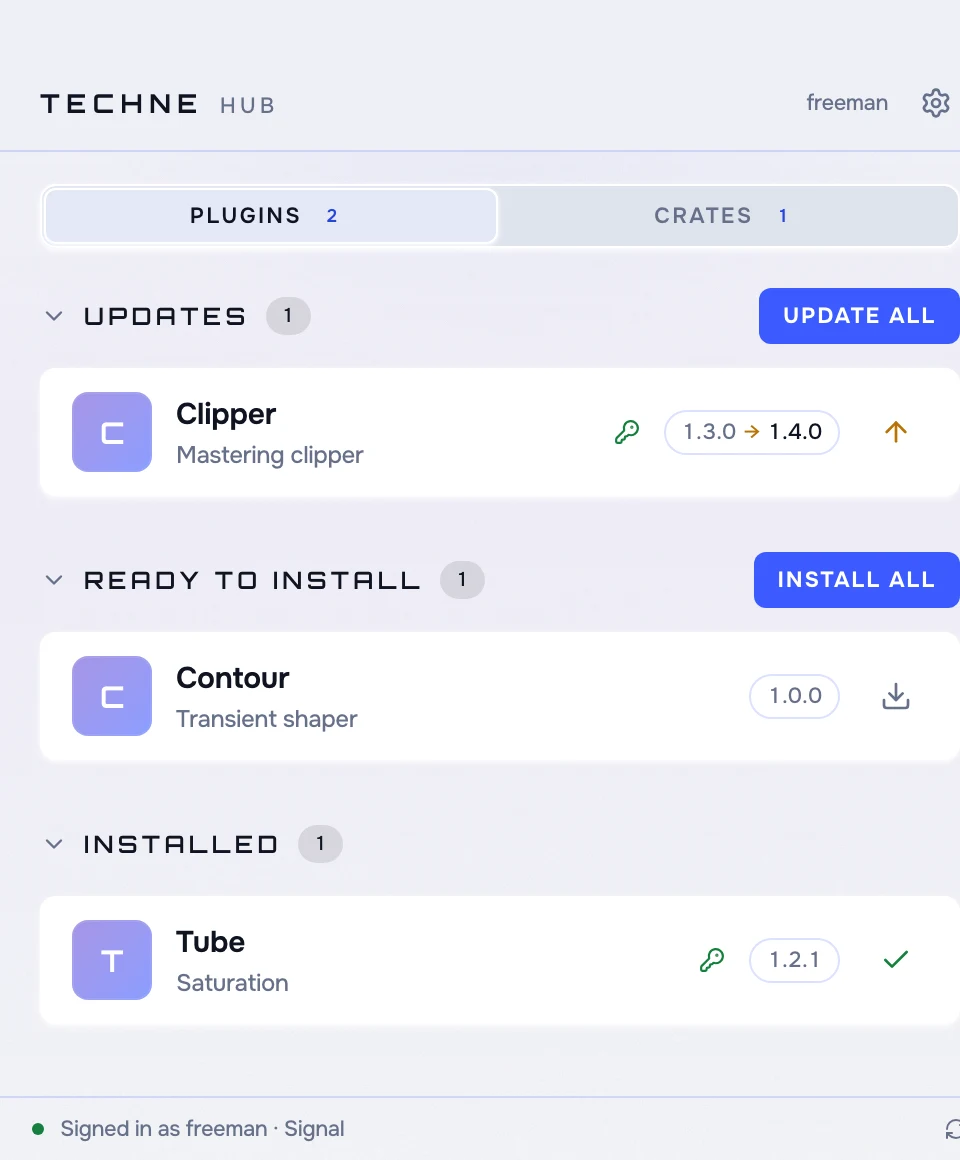
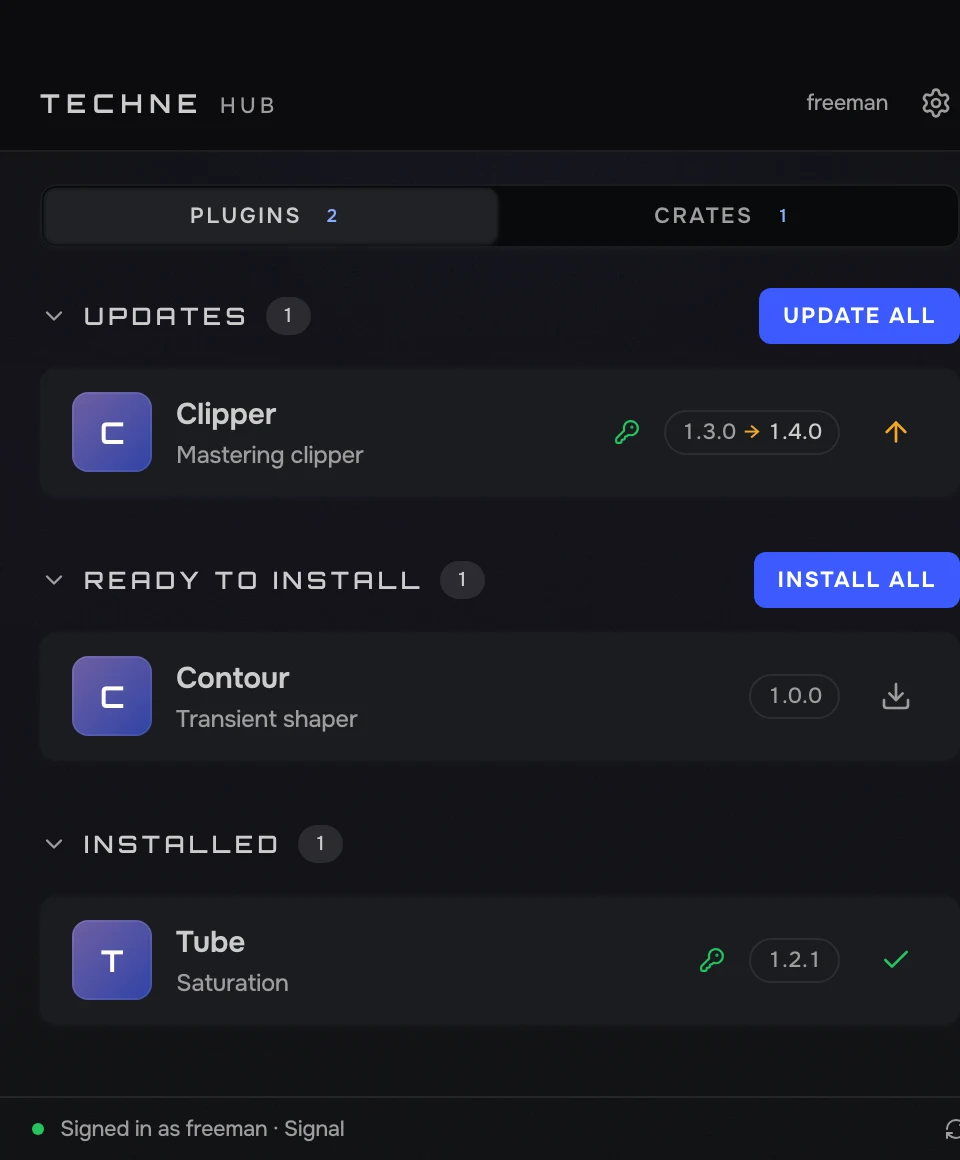
Sign in once. Hub installs your plugins and crates, activates them, and tells you when there’s an update.
Also for Windows. Free with a Techne account.
- macOS · Windows
- Free
How it works
01
Sign in
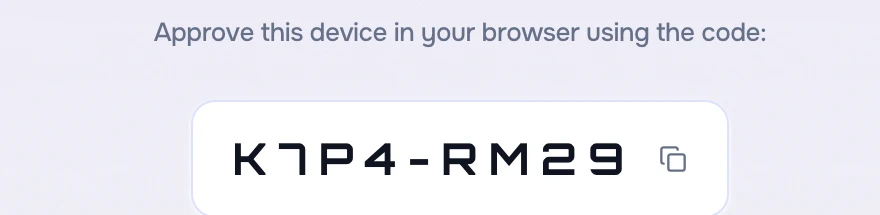
Hub shows a short code. Approve it on techne.fm and you’re in. No password to type.
02
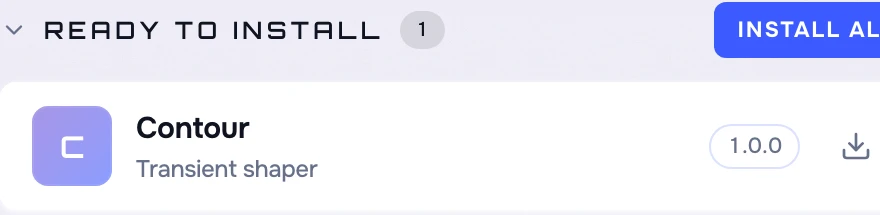
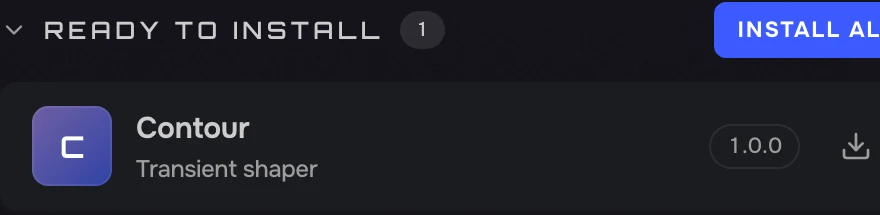
Install what you own
Everything you bought, claimed or kept is one list. Click install and it’s in your DAW, already activated. New computer? Same list.
03
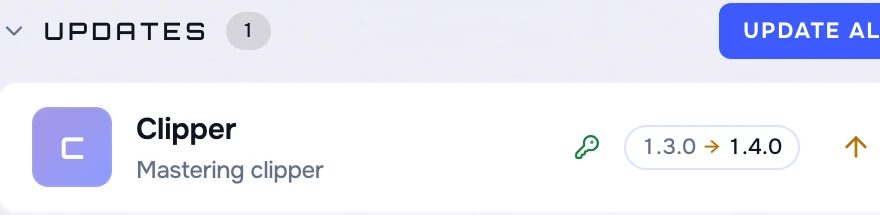
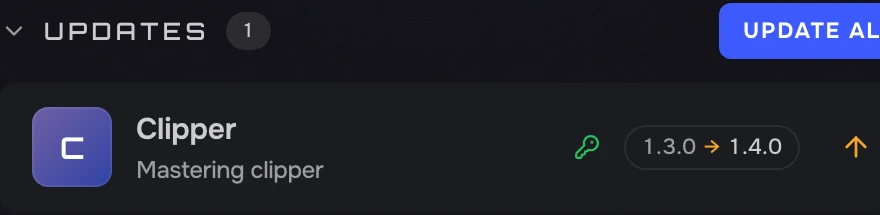
Stay up to date
New versions show up at the top. One click updates them all. Nothing changes without you.
Specs
Technical details How it checks, installs, signs in and stays out of the way.
Nothing is written until the download matches the SHA-256 the catalog published for it. A bad download is discarded, not installed.
Plugins go to the system VST3 and CLAP folders. Crates unzip into ~/Music/Techne with their real names.
The app never sees your password. The session is scoped to this machine; revoke it from your account any time.
Hub compares the version on disk with the catalog and only offers an update when they differ, showing both numbers.
Purchases, claims and Keeps come from the same place as your library page. No sync step.
Licensed plugins are activated for this machine during the install. No keys to type.
Lives in the menu bar. One window, two tabs, no background service. It checks when you open it.
Moves the plugin to the Trash, so nothing is deleted behind your back. Reveal in Finder from any row.
The macOS build is signed and notarized by Apple. Updates install in place.
GET TECHNE HUB
Free. Sign in with your Techne account and everything you own is there.
Not on Techne yet? Join. Already own things? Your library works in the browser too.