TECHNE
ARC
Transition Instrument
Play a build or a drop with one gesture.
Ride one control from the verse into the drop: filter sweeps, risers, gated repeats, delay throws and tape stops, each coming in where you set it, timed to your bar.
Coming early 2027. Get the launch email:
You’ll join the Techne Signal List: new plugins, drops and releases. Unsubscribe anytime.
- macOS · Windows
- VST3
- CLAP
- 5 machines
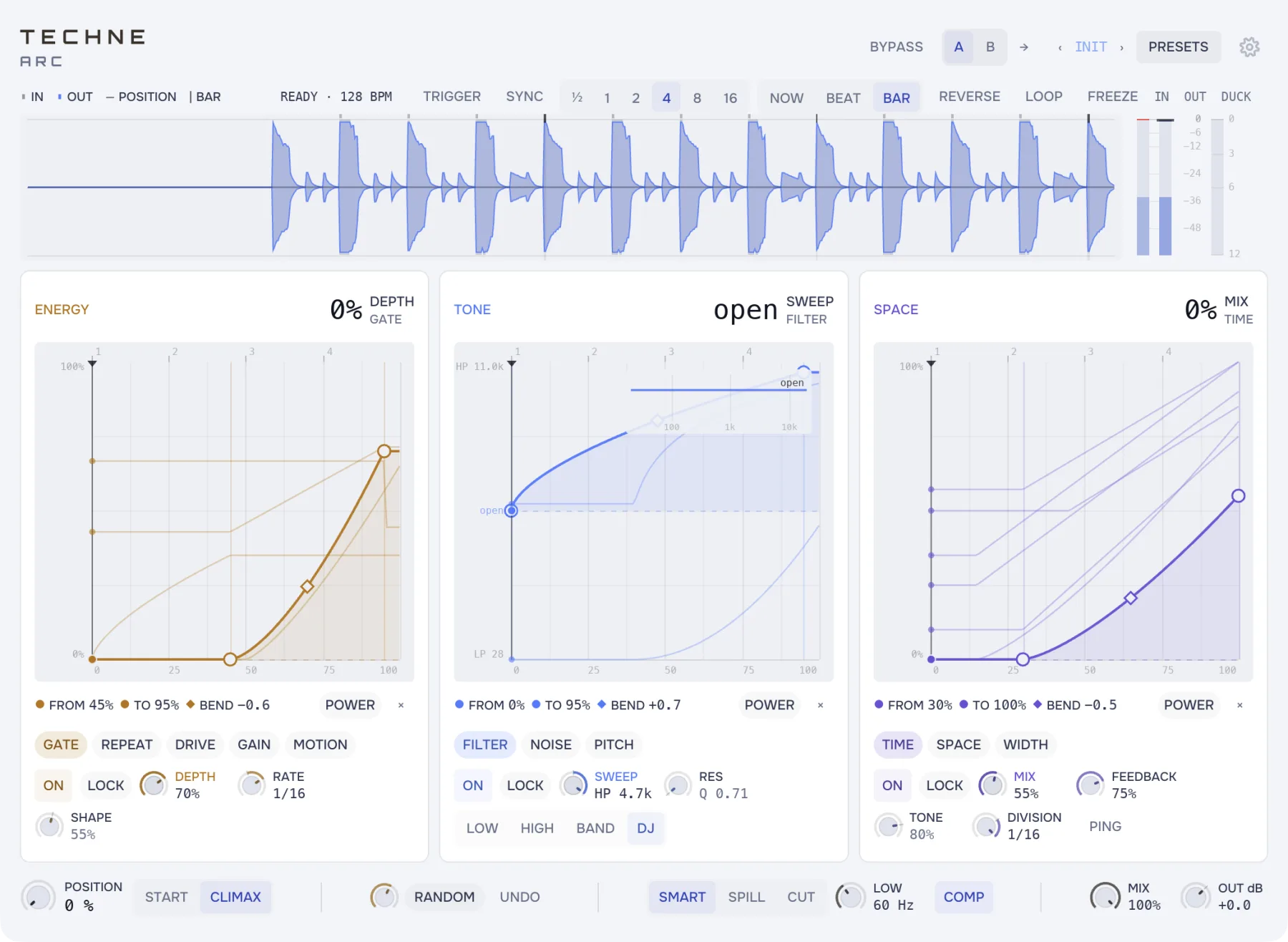
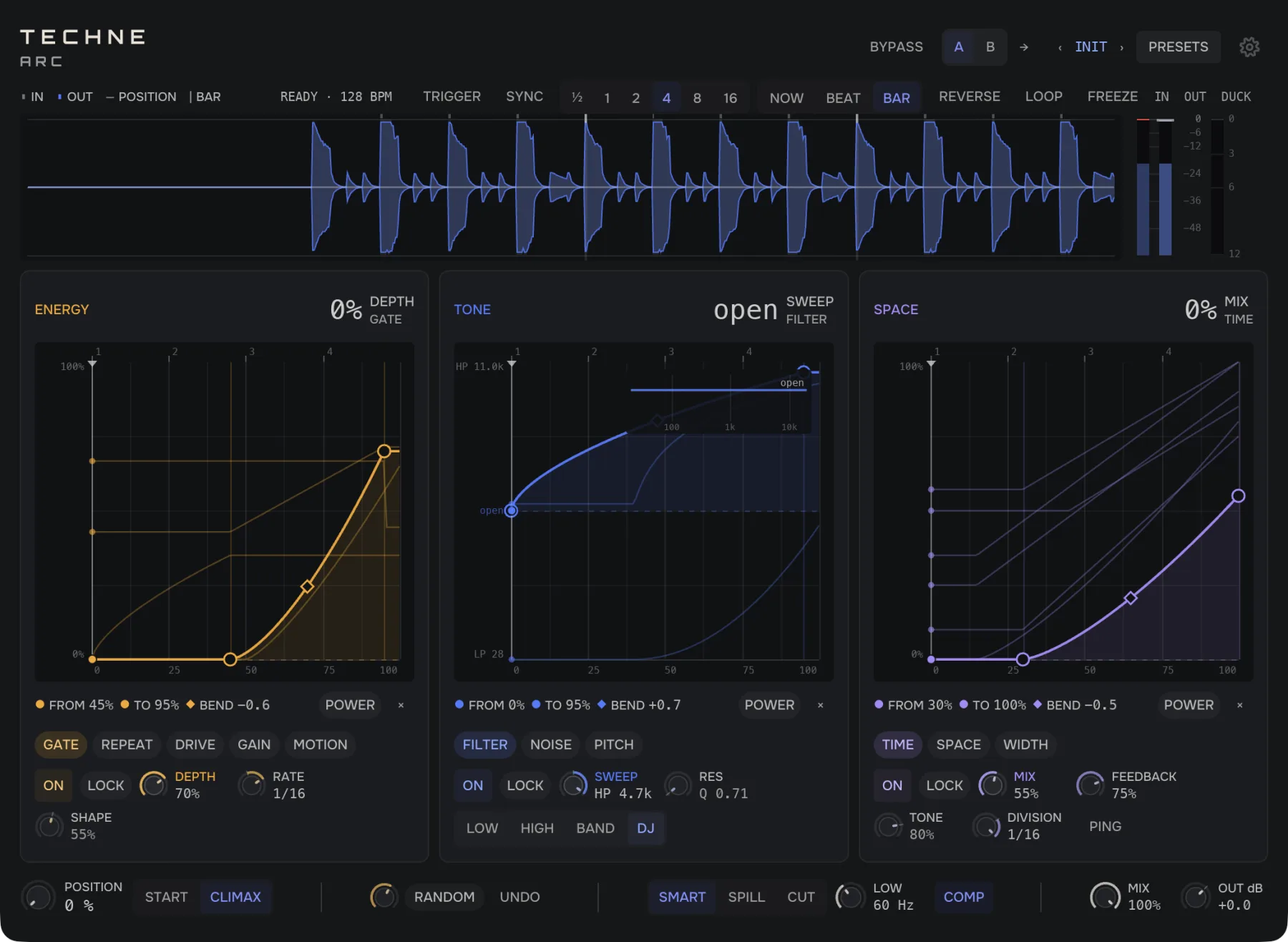
One move, the whole transition
Chops and repeats that speed up as you push, from quarter notes to a blur, with grit building under them and a gap before the drop. Try it on drums and the drum bus.
A filter that throws like a DJ mixer’s, a noise riser under it, a pitch that climbs, or the tape winding down to a stop. Try it on a full mix or a synth loop.
Delay throws in time with the track and a reverb that swells to fill the gaps, while the stereo opens wide or narrows to the middle. Try it on vocals, leads and pads.
See where each effect comes in
A transition is many small moves at once. Arc draws each one along the same line, so you can see where the reverb starts and drag it somewhere else.
Press it and the move starts on the next bar or beat, and runs from half a bar to 16 bars at your tempo. Or ride it by hand, or draw it in as automation.
Start from a factory move for a build, a fill, a breakdown or a drop. Run any move backwards and a build becomes a breakdown.
The kick and bass can skip the effects entirely, and the echoes and reverb dip under each hit, so the beat stays clear.
At the start of the move, Arc passes your track through untouched. Nothing changes until you move it.
Specs
Technical details The gesture, the modules, the timing and the tails.
One host parameter: 0 is the sound before the transition, 1 its climax. Every control that moves is a binding on it, a window inside the gesture with a curve and a range. The bindings are the patch, saved with the session.
Eleven modules in three groups. ENERGY: gate, repeat, drive, gain, motion. TONE: filter (low, high, band, DJ), noise (white, pink, brown), pitch and tape speed. SPACE: tempo-synced delay, reverb, width.
TRIGGER runs the gesture as a one-shot of ½ to 16 bars, launched NOW, on the BEAT or on the BAR; a MIDI note fires it. SYNC runs it by itself on the host’s grid from the bar line; REVERSE runs it backwards; LOOP restarts it.
Below LOW, a Butterworth two-pole split sends the low band around the rack, so the kick never enters the reverb. MOTION ducks the wash (what the delay, reverb and noise add) on each detected hit.
SMART, SPILL or CUT on the way back to zero. Under SMART the delay and reverb ring out; the noise, the repeat and the pitch stop.
At POSITION 0 every module is its own identity, so the track passes through untouched. MIX 0 returns the input exactly; BYPASS keeps the rack running underneath.
COMP makes up the level a move takes away, capped at +6 dB. SAFE holds a ceiling (−0.3 dB by default) and touches nothing under about −1 dBFS.
TRY IT ON YOUR NEXT DROP
Arc lands early 2027. Leave your email and we’ll tell you the day it’s out.